


Stripped-Down Sessions: How to Run a Powerful Low-Tech EVP Experiment
By Todd Bates
There’s a quiet strength in simplicity.
Today’s paranormal field is drowning in gear: spirit boxes, apps, gadgets with LEDs that flash like Christmas trees, all promising a shortcut to “proof.”
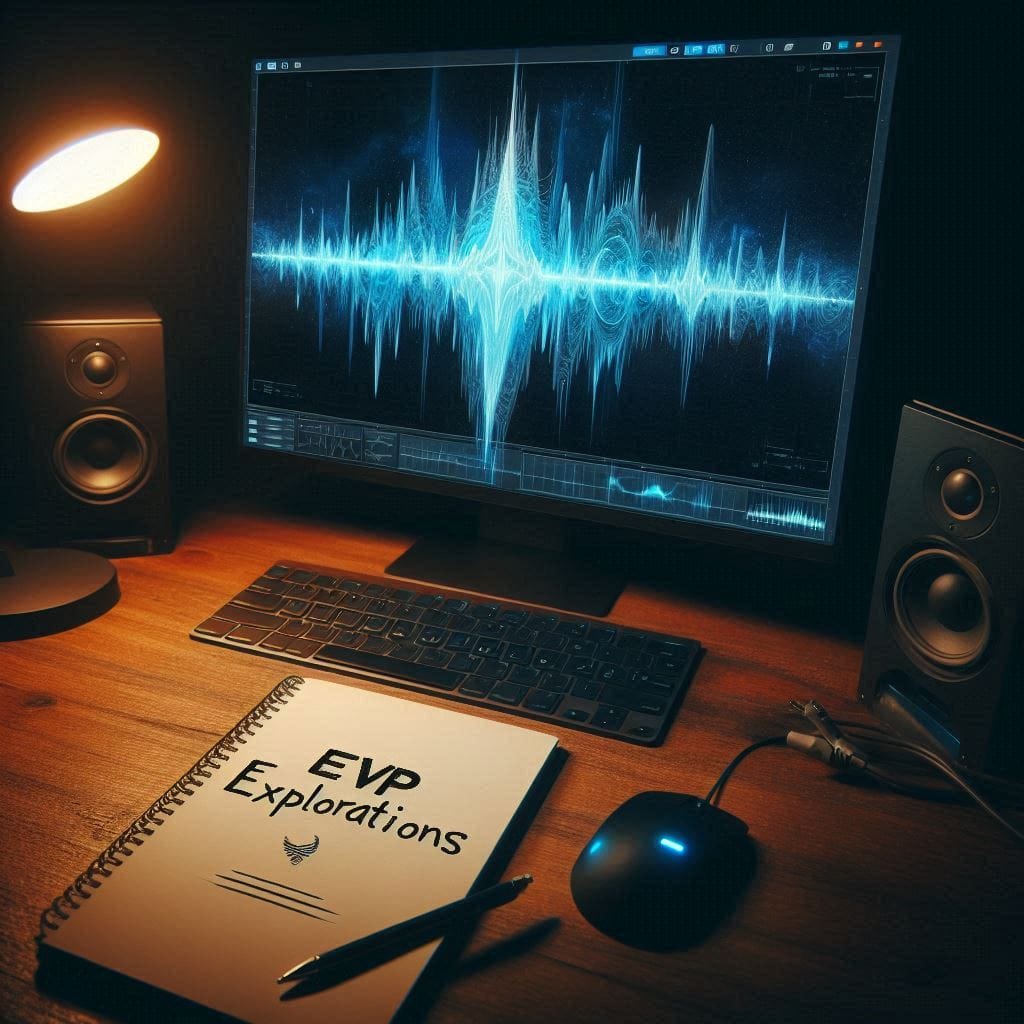
Meanwhile, some of the best EVP work I’ve seen – and some of the best I’ve captured myself – came from sessions run with almost nothing:
- One recorder
- One notebook
- One controlled environment
- And a team that knew what it was doing
A stripped-down EVP session isn’t about being “old-fashioned” for the sake of it. It’s about cutting out the noise – literally and figuratively – so that what remains is cleaner, easier to evaluate, and much harder to dismiss.
Let’s walk through how to design and run a low-tech EVP session the right way, step by step.
Why “Less Gear” Often Means “Better Evidence”
More equipment does not automatically mean better results. In fact, it often creates:
- More noise sources (fans, hums, clicks, RF interference)
- More variables you can’t fully control
- More distractions for the team, who are now watching devices instead of focusing on the session
A low-tech approach forces discipline:
- You have fewer things to blame when something odd shows up.
- You’re more aware of the environment.
- You’re less tempted to chase every random blip as a “sign.”
This is how the pioneers operated. And in many ways, it’s still the cleanest way to test whether a location is producing meaningful EVP responses.
The Core Low-Tech Kit
To run a stripped-down session, you realistically only need:
- Primary Audio Recorder
- Digital recorder with manual gain control and known, tested reliability.
- Or an analog cassette recorder if you’re deliberately working with both analog and digital for comparison.
- Backup Audio Recorder
- Positioned at a different angle or in another part of the room.
- Used as a control to rule out normal sounds and verify true anomalies.
- Notebook & Pen (or Printed Log Sheet)
- For marking times, questions, noises, and notable events.
- This becomes your session log and is just as important as the audio itself.
- Simple Light Source
- A single lamp, flashlight, or low ambient light – enough to move safely, but not a light show.
That’s it. No apps required, no flashy meters demanded. You can add a basic EMF meter or thermometer if you want, but they’re supporting actors, not the star.
Step 1: Choosing the Right Location and Time
Low-tech doesn’t mean sloppy. Before you hit record, you still need to pick your conditions carefully.
Location Considerations
Look for:
- A space with consistent reports over time, not just a one-off story.
- The ability to control access (so strangers aren’t walking through mid-session).
- Reasonable acoustic behavior – not a space where every sound echoes beyond usefulness.
Prior to the session:
- Walk the space in silence.
- Note sources of external noise: roads, HVAC, refrigerators, pipes, animals, neighbors, etc.
- Decide where your recorders will go to minimize these issues.
Timing
Aim for:
- Times when outside noise is minimal (late evening, early morning, depending on the location).
- A window where you’re not rushed – you want time to settle in, run the session, and log properly.
Rushing is the enemy of good data.
Step 2: Setting Up the Recorders
This is where low-tech still requires high discipline.
Placement
- Put the primary recorder in the main focus area – ideally on a stable surface where it won’t be bumped.
- Place the secondary recorder at a distance or in an adjacent area to act as a control.
Mark down:
- The exact time both recorders are started.
- Their locations (e.g., “Primary on table in center of room, Secondary on shelf by door”).
- Any specific directional focus (if you’re facing a certain corner or object).
Test Recording
Always:
- Record 30–60 seconds of silence.
- Speak a test phrase: “This is Todd, testing recorder in the living room at [time].”
- Note any audible background hums, ticking, or environmental sounds.
Play it back briefly to ensure:
- The gain is set correctly (not clipping, not too quiet).
- No unexpected mechanical noise is coming from the recorder itself.
Now you’re ready.
Step 3: Establishing Session Protocol
A low-tech session is only as strong as its structure. Set some ground rules.
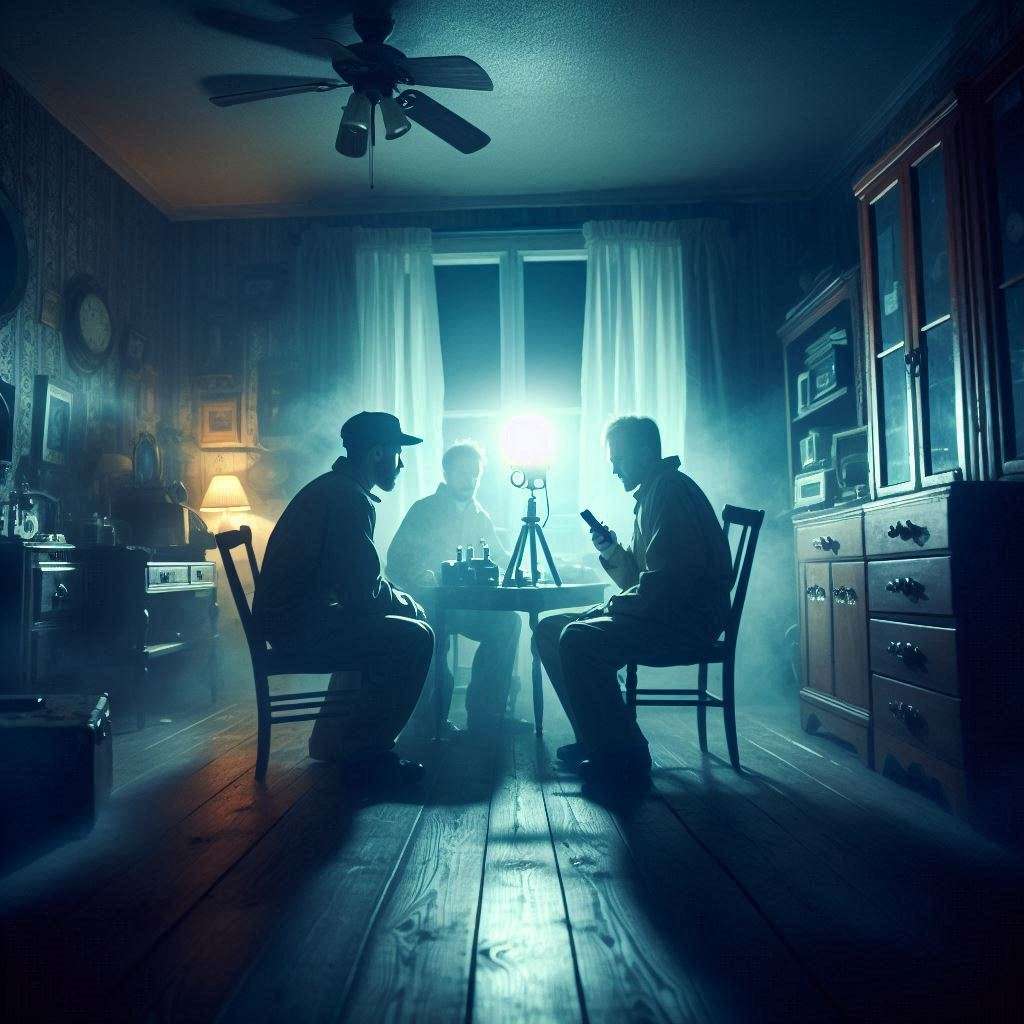
Team Behavior
- One person leads the questions – others remain quiet unless it’s their turn.
- No side conversations, whispering, or giggling during active recording.
- If anyone moves, coughs, shifts a chair, or makes any noticeable sound, it must be verbally tagged:
“That was Todd moving the chair.”
Session Flow
A simple, effective structure:
- Opening Tag
- State the date, time, location, investigators, and purpose of the session.
- Brief Introduction to Any Possible Entities
- Who you are, why you’re there, what you’re trying to do.
- Question Periods
- Ask a clear question.
- Leave 10–15 seconds of silence afterward.
- Repeat this pattern – slow, deliberate, respectful.
- Mid-Session Check
- Pause after 15–20 minutes.
- Mark the time.
- Check if environmental noise has changed.
- Closing Statement
- Thank any entities for their time.
- Clearly state you are ending the session.
Everything should be documented in your notebook alongside timestamps.
Step 4: Logging in Real Time
Your notebook (or log sheet) is not optional. It’s what lets you match sounds to events later.
For each notable event or question, write:
- Time stamp (from the recorder or a synchronized clock)
- What was happening (question asked, noise heard, someone shifted, etc.)
- Environmental notes (distant dog barking, car passing, A/C turning on)
Examples:
- 21:12 – Q: “Can you tell us your name?” – quiet afterward.
- 21:14 – Loud thump upstairs – likely building settling?
- 21:18 – Sherry coughed – tagged on audio.
Later, when you review the audio, this log becomes invaluable. It helps you rule out normal sounds quickly and focus on actual unknowns.
Step 5: Reviewing the Audio – The Old-School Way
Low-tech doesn’t stop when the recorder turns off. The way you review is just as important.
First Pass: Solo Review
- Listen through with your log in front of you.
- Note any anomalies – voices, knocks, whispers, sounds that don’t match your notes.
- Mark approximate times and describe what you think you heard, but don’t lock in an interpretation yet.
Second Pass: Controlled Peer Review
Bring in at least one other person who:
- Was not present at the session (ideal), or
- Was present but doesn’t see your interpretation notes.
Let them listen and simply ask: “Do you hear anything here? If so, what?”
You’re looking for:
- Consistency of perception
- Whether your initial interpretation holds up
- Whether they hear nothing at all – which might mean you’re stretching
If three people all independently hear something like “Get out” at the same spot, that’s stronger than one person insisting they hear a full sentence no one else can confirm.
Step 6: Correlating Primary and Secondary Recorders
One of the big advantages of a low-tech, two-recorder setup is cross-checking.
When you capture something unusual on the primary:
- Check the same time on the secondary recorder.
If it appears on both:
- It’s likely a real sound in the environment (human, animal, building, etc.), not an internal recorder artifact.
If it appears on only one:
- It may be an anomaly – but you also need to consider mic sensitivity, distance, and directional pickup.
The goal is not to rush to “ghost.” The goal is to rule out normal explanations, and only then to consider something as a possible EVP.
Step 7: Presenting Low-Tech Evidence
When you share results from a stripped-down session, present them in a way that reflects the discipline that went into capturing them.
Include:
- Session details (location, date, team, equipment, conditions)
- Description of the specific clip (context of the question, timing, log notes)
- Whether the sound appears on both recorders or only one
- Whether multiple listeners independently heard the same thing
Avoid:
- Over-processing the audio
- Adding reverb or creepy music
- Slapping a dramatic caption on it and calling it “proof”
Remember: the strength of a low-tech session is that it stands on method, not on theatrics.
When to Use Low-Tech vs. High-Tech
This is not an argument to throw all your gear in the trash. High-tech tools have their place. But you should know why you’re using each approach.
Low-tech is ideal for:
- Baseline investigations – establishing what a location does under simple conditions.
- Follow-up sessions – testing specific times or spots where activity was previously reported.
- Training new investigators – teaching discipline before gadgets.
Higher-tech setups are more appropriate when:
- You have already established baseline patterns and want to explore them further.
- You’re trying to correlate audio with environmental shifts (EMF, temperature, etc.).
- You’re running controlled experiments, not just general sessions.
But if you skip the low-tech stage entirely, you’re building a house without a foundation.
Getting Back to What Matters
Stripped-down EVP sessions won’t impress people who are hooked on flashing lights and dramatic audio effects.
They will, however:
- Make you a better investigator.
- Produce cleaner, less ambiguous data.
- Give you a much stronger footing when you say, “I don’t have all the answers, but something happened here.”
The pioneers of EVP didn’t have closets full of gadgets. They had simple equipment, stubborn discipline, and a willingness to do the boring parts right.
If you can bring that mindset into your own work – even in a modern world – you’re not going backward.
You’re honoring the past, and you’re building a future for this field that isn’t just loud, but solid.




Get involved!
Comments